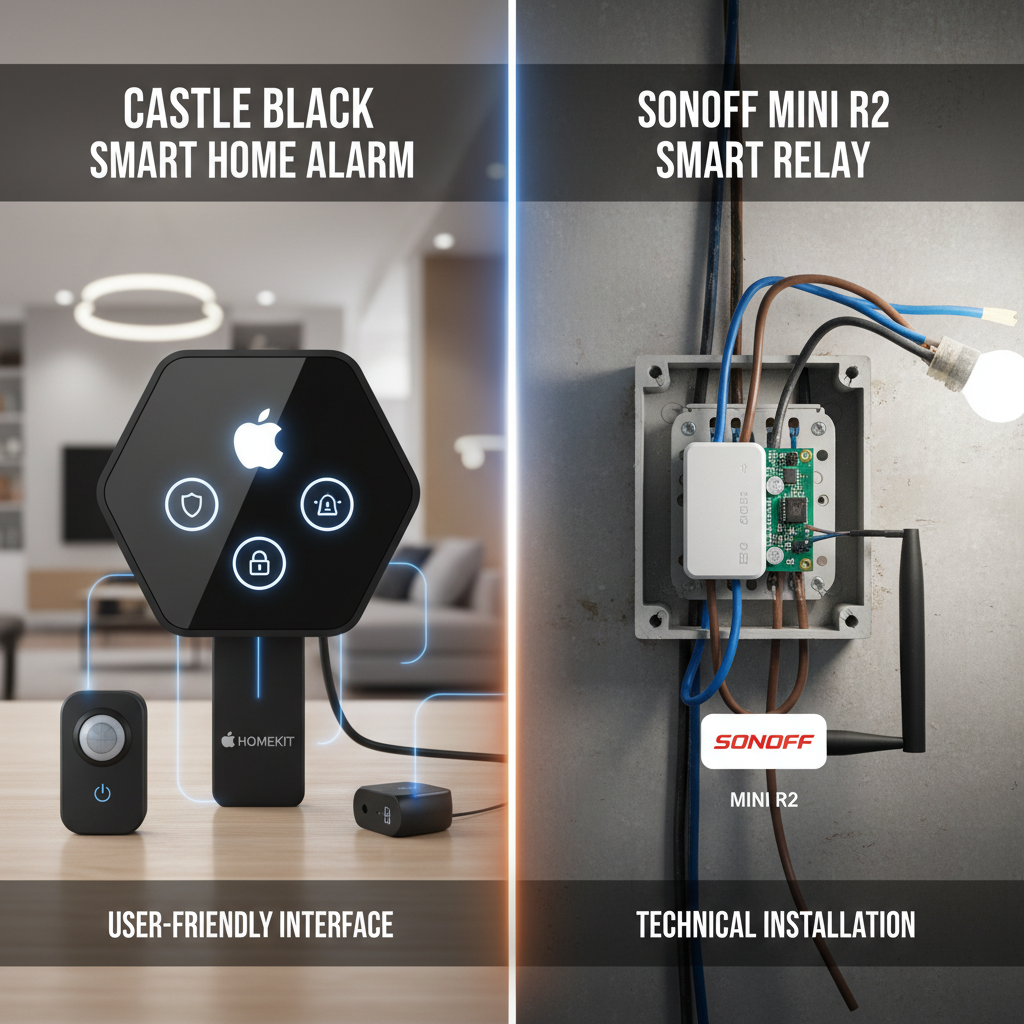
Seamless Smart Living: Integrating eWeLink Devices with Apple HomeKit via HomeHome.App Bridge
Discover how the HomeHome.App Bridge effortlessly connects your eWeLink smart devices with Apple HomeKit for a unified smart home experience.
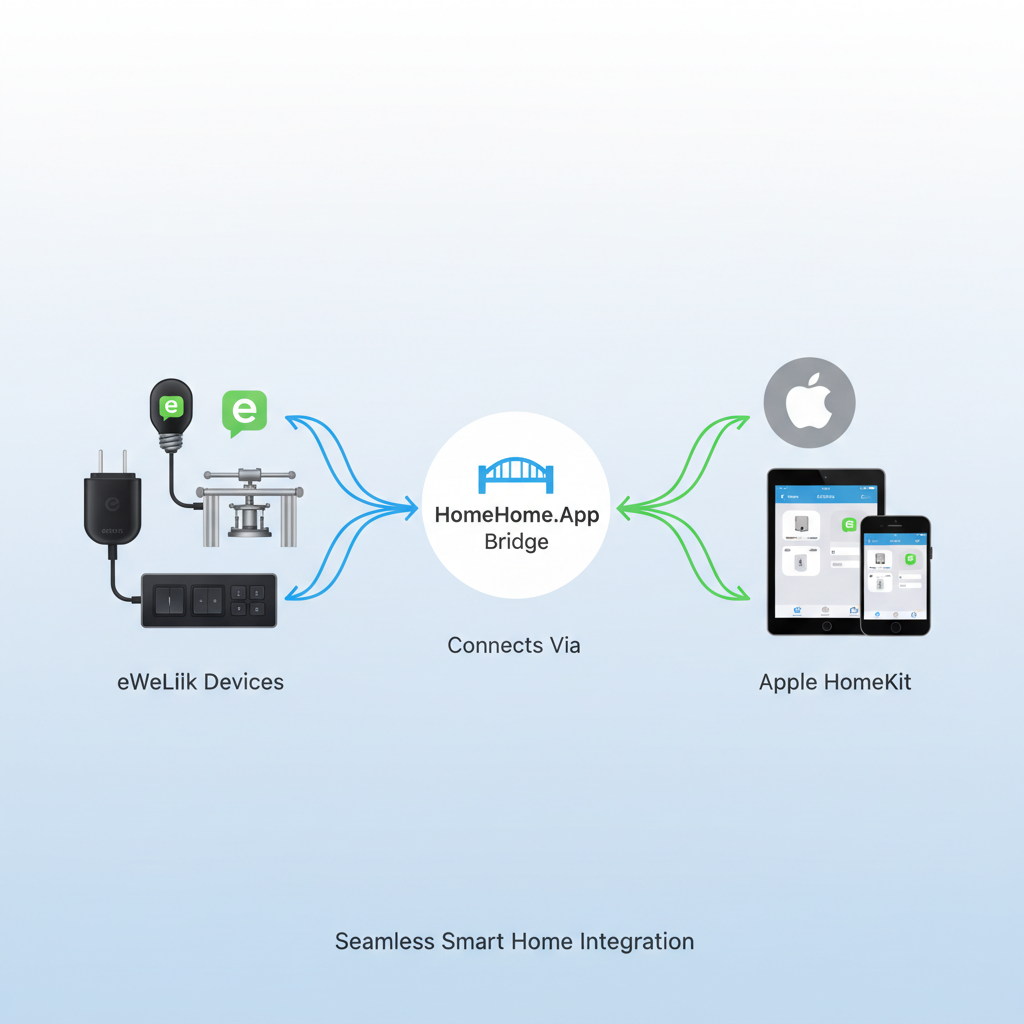
Bridging the Gap: The eWeLink HomeKit Integration Challenge
In today's connected world, smart home devices offer unparalleled convenience, but often, they come with a catch: compatibility issues. You might have invested in various smart devices, like those from eWeLink, for their affordability and functionality. However, if you're an Apple enthusiast who relies on HomeKit for centralized control, you've likely encountered a common frustration: eWeLink devices don't natively support Apple HomeKit. This means managing your smart lighting, switches, and sensors often requires juggling multiple apps, preventing true seamless automation and voice control through Siri. The dream of a truly unified smart home experience remains just out of reach.
This fragmentation isn't just an inconvenience; it limits the potential of your smart home. Without proper eWeLink HomeKit integration, you can't create advanced automations that combine your eWeLink devices with other HomeKit accessories. Imagine wanting your SONOFF smart lights to dim when your HomeKit-enabled thermostat detects you're away, or to turn on when a HomeKit motion sensor is triggered. This lack of interoperability forces users into a siloed approach, diminishing the overall value and 'smartness' of their setup. It's a problem many smart home owners face, and it's precisely what the right solution aims to solve.
Who Needs Seamless Smart Home Control? Your Ideal Profile
Are you an Apple user who loves the simplicity and security of the HomeKit ecosystem? Do you own a collection of eWeLink-compatible smart devices, perhaps including popular options like the SONOFF Mini R2 Smart Relay, and wish they could be controlled alongside your other HomeKit accessories? If so, you're our ideal customer. You're someone who values convenience, desires a unified control interface, and wants to leverage Siri for voice commands across all your smart home tech.
Our solution is designed for individuals who:
Are Apple HomeKit Users: You rely on the Home app, Siri, and Apple's ecosystem for your smart home management.
Own eWeLink Devices: You have existing eWeLink switches, sensors, or other smart products that you love, but they currently operate independently of HomeKit.
Seek Unified Control: You're tired of switching between apps and want a single platform to manage all your smart devices.
Desire Advanced Automation: You envision complex automations that involve both your eWeLink and HomeKit devices working in harmony.
Value Simplicity & Efficiency: You want to streamline your smart home experience, making it more intuitive and powerful without needing to replace your existing hardware.
If this sounds like you, then the challenge of disparate smart home systems is real, and the need for a bridge to connect these worlds is paramount. You're not just looking for a gadget; you're looking for a solution that transforms your house into a truly intelligent home.
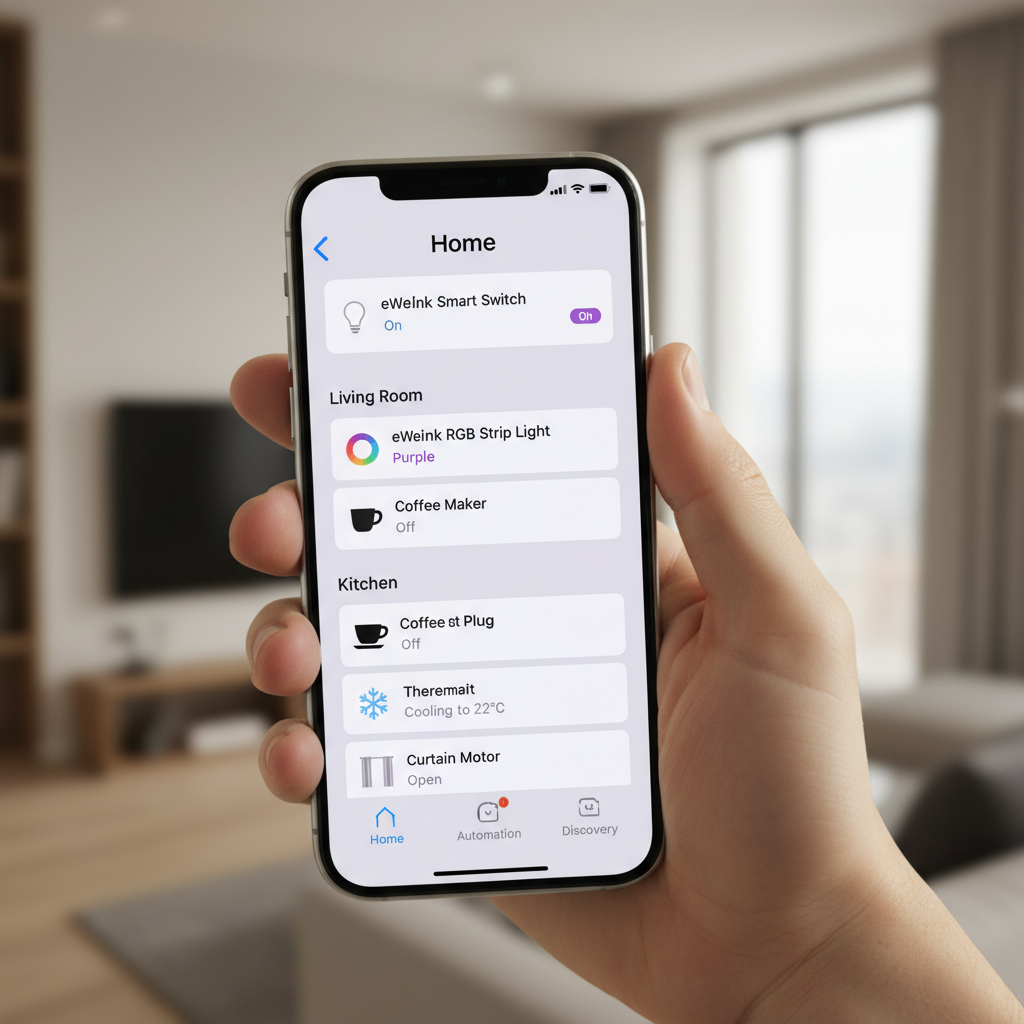
The HomeHome.App Bridge: Your eWeLink HomeKit Integration Solution
The answer to fragmented smart home control lies in the innovative HomeHome.App Bridge. This ingenious device acts as a crucial translator, effectively bridging the communication gap between your eWeLink devices and Apple HomeKit. By converting eWeLink's proprietary protocol into a language HomeKit understands, it allows all your compatible devices to appear directly within the Apple Home app, ready for seamless control and automation.
The core of this solution is the New Bridge System ESP32 Hardwares [Early Bird]. This powerful yet compact hardware is specifically designed to facilitate this integration, bringing your eWeLink-powered smart home elements into the familiar and secure HomeKit environment. It's not just about adding devices; it's about unlocking their full potential within a unified system, granting you the power of centralized control, advanced automations, and intuitive voice commands through Siri.
Integrating eWeLink Devices with HomeKit: A Step-by-Step Guide
Integrating your eWeLink devices into Apple HomeKit using the HomeHome.App Bridge is a straightforward process designed for ease of use. While specific steps may vary slightly based on firmware updates, the general flow ensures a smooth transition to a unified smart home.
Acquire Your HomeHome.App Bridge: Begin by obtaining the New Bridge System ESP32 Hardwares [Early Bird] from Store. This is the foundational component for your eWeLink HomeKit integration.
Initial Setup and Power-Up: Connect your HomeHome.App Bridge to a power source and your home network (typically via Wi-Fi, following the instructions provided with the bridge). Ensure it's in a central location for optimal signal strength with your eWeLink devices.
Configure Bridge Settings: Access the bridge's configuration interface (usually via a web browser or a dedicated app as instructed). Here, you'll link it to your eWeLink account, allowing it to discover all your connected eWeLink devices, such as the SONOFF Mini R2 Smart Relay.
Add Bridge to Apple HomeKit: Open the Apple Home app on your iPhone or iPad. Tap the '+' icon, select 'Add Accessory,' and then scan the HomeKit setup code provided with your HomeHome.App Bridge. The bridge will then appear as a connected accessory.
Discover and Assign Devices: Once the bridge is added to HomeKit, it will automatically present your linked eWeLink devices as individual accessories within the Home app. You can then assign them to rooms, rename them, and customize their settings just like any other HomeKit device.
Start Automating and Controlling: With your eWeLink devices now visible in the Home app, you can control them with a tap, use Siri voice commands (e.g., "Hey Siri, turn on the living room light"), and integrate them into powerful HomeKit automations with other accessories.
Unlocking Unified Control: Benefits of eWeLink HomeKit Integration
The successful eWeLink HomeKit integration through the HomeHome.App Bridge opens up a world of possibilities, transforming your smart home from a collection of disparate gadgets into a cohesive, intelligent ecosystem. The benefits extend far beyond mere convenience, offering enhanced control, automation, and peace of mind.
Key advantages include:
Centralized Control: Manage all your smart devices – eWeLink and HomeKit – from a single, intuitive app: Apple Home. No more switching between multiple manufacturer apps.
Siri Voice Commands: Enjoy hands-free control over your eWeLink devices using Siri. Simply say, "Hey Siri, turn off the bedroom lamp," and your SONOFF Mini R2 Smart Relay connected to the lamp will respond.
Advanced HomeKit Automations: Create sophisticated scenarios where your eWeLink devices interact seamlessly with other HomeKit accessories. For example, have your eWeLink smart plug turn on a fan when your HomeKit thermometer detects a certain temperature.
Enhanced Security and Privacy: Leverage Apple's robust security and privacy features for all your integrated devices, ensuring your smart home data is protected.
Simplified User Experience: The familiar and user-friendly interface of the Apple Home app makes managing your entire smart home effortless for everyone in the household.
Future-Proofing Your Smart Home: By integrating devices into a widely supported platform like HomeKit, you ensure broader compatibility and longevity for your smart home investments.
“Integrating eWeLink devices into HomeKit isn't just about convenience; it's about unlocking the full potential of your smart home, creating a truly intelligent and responsive living space.”
These benefits collectively contribute to a smarter, more efficient, and enjoyable living environment. The HomeHome.App Bridge doesn't just connect devic
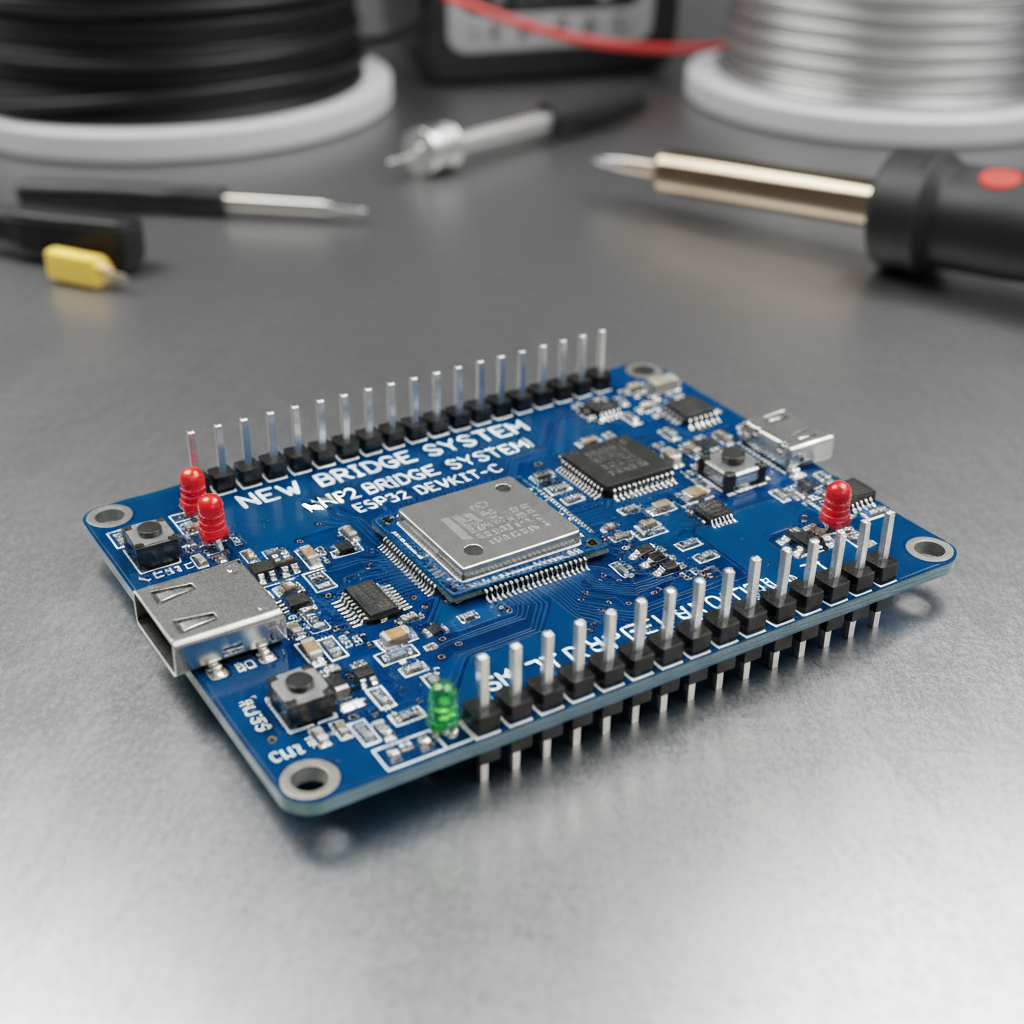
es; it connects possibilities.
A Day with HomeKit & eWeLink: Real-World Integration Scenario
Meet Alex, an avid Apple user who recently moved into a new apartment. He already has several HomeKit-enabled devices, including smart thermostats and door sensors. However, he also brought along his favorite eWeLink smart lights and a few SONOFF Mini R2 Smart Relay switches, which he uses to control his floor lamps and coffee maker. Initially, Alex found himself constantly switching between the eWeLink app and the Apple Home app, breaking the flow of his smart routines.
Frustrated by this fragmented experience, Alex discovered the New Bridge System ESP32 Hardwares [Early Bird] from Store. He quickly installed it, following the simple steps to link his eWeLink account and add the bridge to his Apple Home. Within minutes, all his eWeLink smart lights and SONOFF relays appeared as native accessories in his Home app.
Now, Alex's morning routine is perfectly orchestrated. When his HomeKit alarm clock goes off, an automation triggers: his eWeLink bedroom lights slowly brighten, and the SONOFF Mini R2 Smart Relay connected to his coffee maker turns on, brewing his morning coffee. As he leaves for work, his HomeKit door sensor detects his departure, and another automation kicks in, turning off all eWeLink lights and the coffee maker, and adjusting his HomeKit thermostat – all with a single tap on his iPhone or a simple "Hey Siri, I'm leaving."
In the evening, arriving home, Alex can say, "Hey Siri, I'm home," and his eWeLink living room lights turn on, alongside his HomeKit smart speaker playing his favorite playlist. This seamless eWeLink HomeKit integration has transformed Alex's apartment into a truly intelligent and responsive space, eliminating app juggling and making his smart home work harmoniously, just as he always envisioned.
Common Questions About eWeLink HomeKit Integration
How does the HomeHome.App Bridge work with my eWeLink devices?
The HomeHome.App Bridge acts as a translator. It connects to your home network and links to your eWeLink account. It then communicates with your eWeLink devices using their native protocol and translates those commands into a format that Apple HomeKit understands. This allows your eWeLink devices to appear and function as native HomeKit accessories within the Apple Home app.
Do I need to replace my existing eWeLink devices to use HomeKit?
No, absolutely not! The primary purpose of the HomeHome.App Bridge is to enable you to use your existing eWeLink devices, such as the SONOFF Mini R2 Smart Relay, with Apple HomeKit without needing to purchase new HomeKit-compatible versions. It preserves your investment while upgrading your smart home experience.
What types of eWeLink devices are compatible with the HomeHome.App Bridge?
The HomeHome.App Bridge is designed to integrate a wide range of eWeLink devices. Generally, smart switches, lights, and sensors that are controlled via the eWeLink app are supported. For specific compatibility details, it's always recommended to check the product documentation for the New Bridge System ESP32 Hardwares [Early Bird] or contact our support team.
Is the HomeHome.App Bridge difficult to set up?
The HomeHome.App Bridge is designed for straightforward installation. The setup typically involves connecting it to power and your Wi-Fi, then following guided steps to link your eWeLink account and add the bridge to your Apple Home app. Our goal is to make eWeLink HomeKit integration accessible to all users, regardless of their technical expertise.
Can I still use the eWeLink app after integrating with HomeKit?
Yes, you can! The integration through the HomeHome.App Bridge does not prevent you from using the original eWeLink app. Your devices will remain accessible and controllable through both the eWeLink app and the Apple Home app, giving you maximum flexibility and control options.
Transform Your Smart Home Today with Seamless eWeLink HomeKit Integration!
Stop juggling apps and start experiencing the true power of a unified smart home. The HomeHome.App Bridge is your key to unlocking seamless control, advanced automations, and intuitive voice commands with Siri for all your eWeLink devices. Don't let compatibility issues limit your smart living potential any longer. Upgrade your smart home experience today and bring all your devices under one roof – the Apple Home app. Visit Store to learn more and get your New Bridge System ESP32 Hardwares [Early Bird] now!